Getting started as a player
Your first game in regular mode
Pick a challenge, set the mode to Regular, check in with your band and play.
- In the app
Step 1: Pick a challenge
The Games tab lists every challenge by category. Each card shows how many Beams and players the game takes.
Video: Set up a challenge
- In the app
Step 2: Set the mode to Regular
At the top of the game screen is a bar with three tiles: Regular, Event and Battle. Regular is free play: your score lands on your own profile.
- In the app
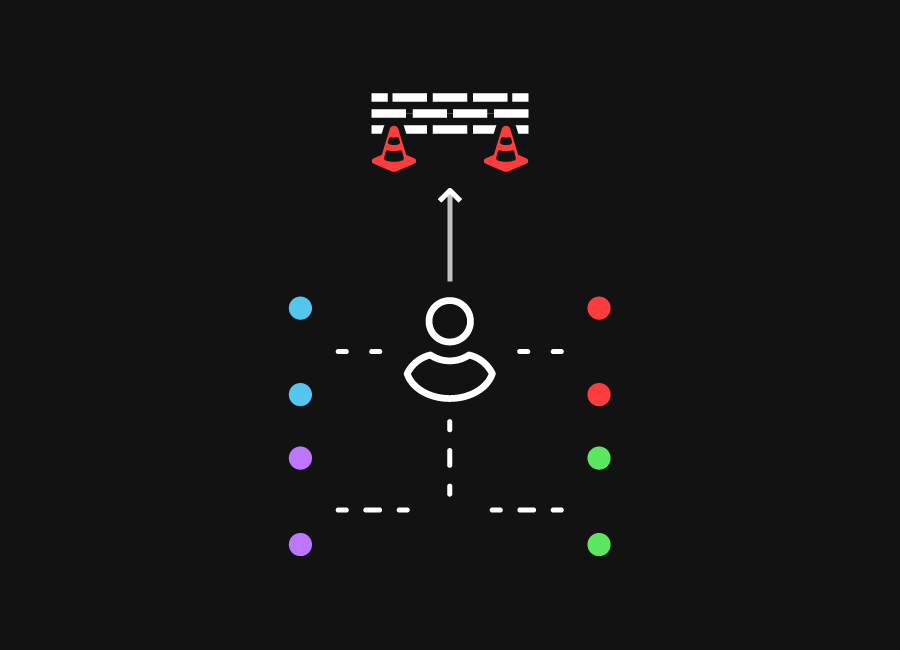
Step 3: Place the Beams as the app shows
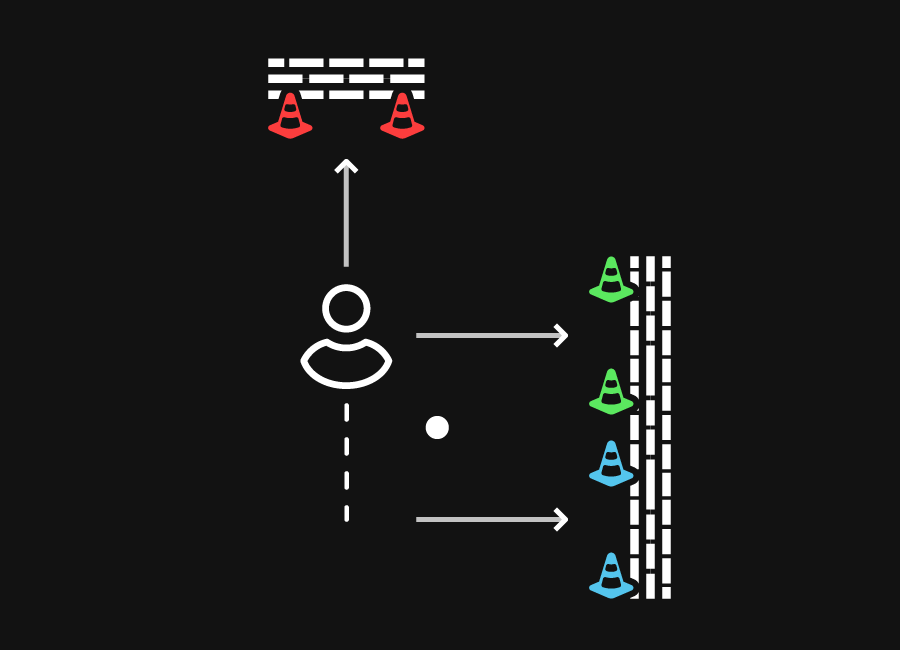
Every challenge opens with a setup picture. Place the Beams in that order, always behind the rebounder.
- In the app
Step 4: Check in and play
Tap Check in at the bottom and hold your SkillTag to the phone. The app tells you which Beams to go to, counts down and the game begins. Afterwards your time is on your dashboard under Played games.



Also useful
- Game modes explainedRegular for yourself, Event for the club, Battle against each other, your own game for everything in between.
- Playing a battleTeams, a full set of Beams for each team, one clock and a winner.
- Installing the BeamsCharge, switch on and understand what the lights mean.
- Downloading the appThe X-Skills app is in the App Store and on Google Play.
- Pairing the BeamsConnect each Beam over Bluetooth; the app gives it a colour and a name.
- Creating an account and linking your SkillTagAn account, then a scan of the band: that is how every player gets a profile.
- Playing at home with a subscriptionOutside an event you play with Beams on a seat from the Player or Family plan.



 1-3