The app and game modes
Game modes explained
Regular for yourself, Event for the club, Battle against each other, your own game for everything in between.
- In the app
Step 1: Regular
Free play. You check in with your SkillTag, play the challenge and the score lands on your own profile. Outside an event this takes a seat from a subscription.
- In the app
Step 2: Event
Playing for a club's leaderboard. You enter the share code; the app remembers it for 24 hours and every score in that time counts towards that event. Always included, no subscription needed.
- In the app
Step 3: Battle
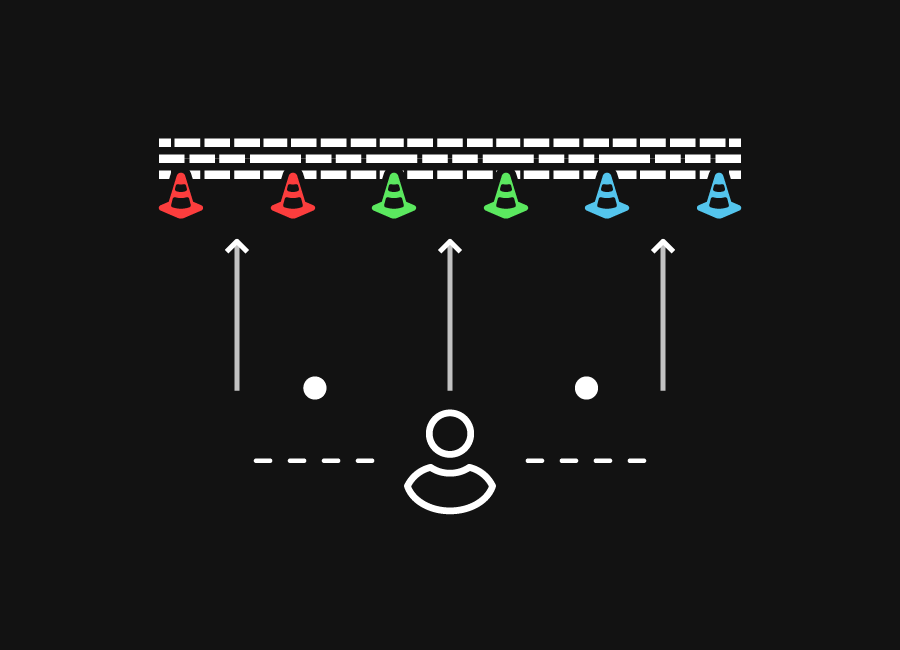
The third tile in the bar. Two or more teams play the same challenge at once on one clock; the fastest wins.
- In the app
Step 4: Create your own game
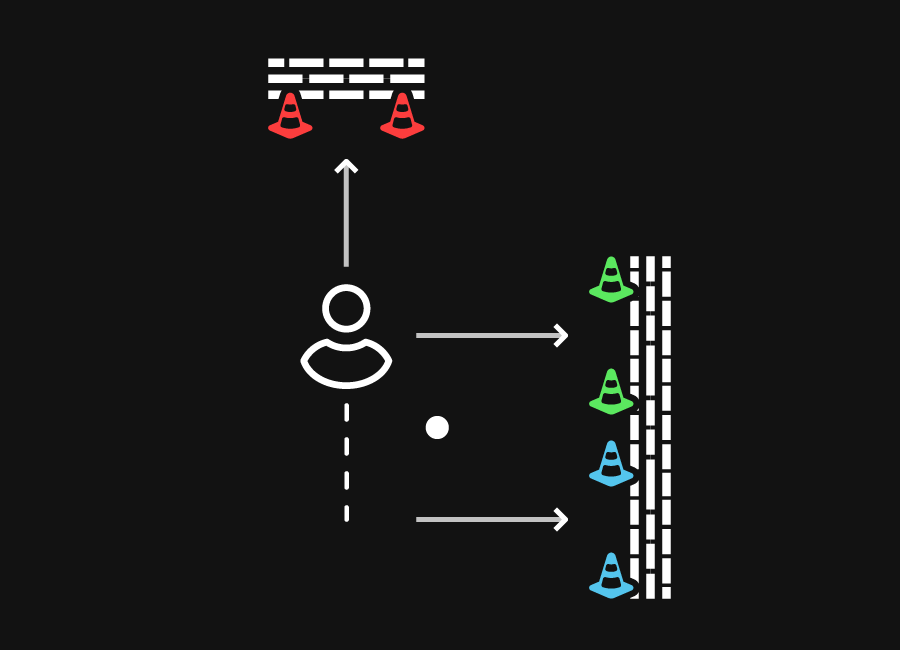
Ten games you build yourself, without a scan and without a score on your profile. For warm-ups, groups without bands and playing with several players at once.
Video: Creative games



Also useful
- Your first game in regular modePick a challenge, set the mode to Regular, check in with your band and play.
- Playing a battleTeams, a full set of Beams for each team, one clock and a winner.
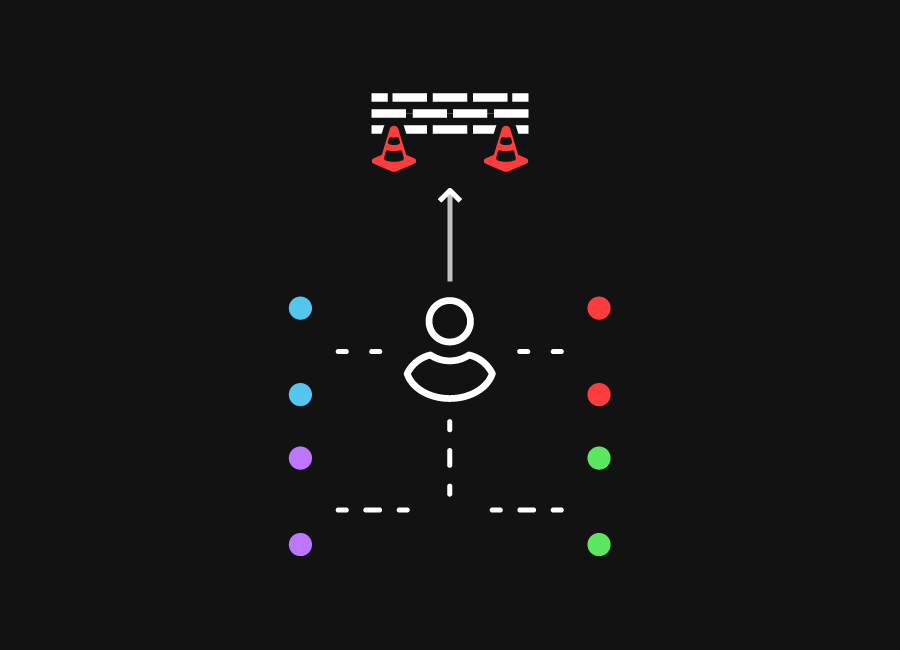
- Playing with several playersAgainst each other with a battle, or all at once with one colour per player.
- Exercises for homeWithout Beams: the mobile challenges. With Beams: free play on a subscription, or your event's custom games.
- Training without a SkillTagYes, with the games you create yourself and the mobile challenges, but scores are not saved.

 1-3