The app and game modes
Playing a battle
Teams, a full set of Beams for each team, one clock and a winner.
- In the app
Step 1: Tap Battle
Open a challenge and tap the Battle tile in the bar; the start button becomes Start battle. Not every challenge supports it: Memory, Defend your own color and Hit your own color have no battle.
- In the app
Step 2: Give every team its Beams
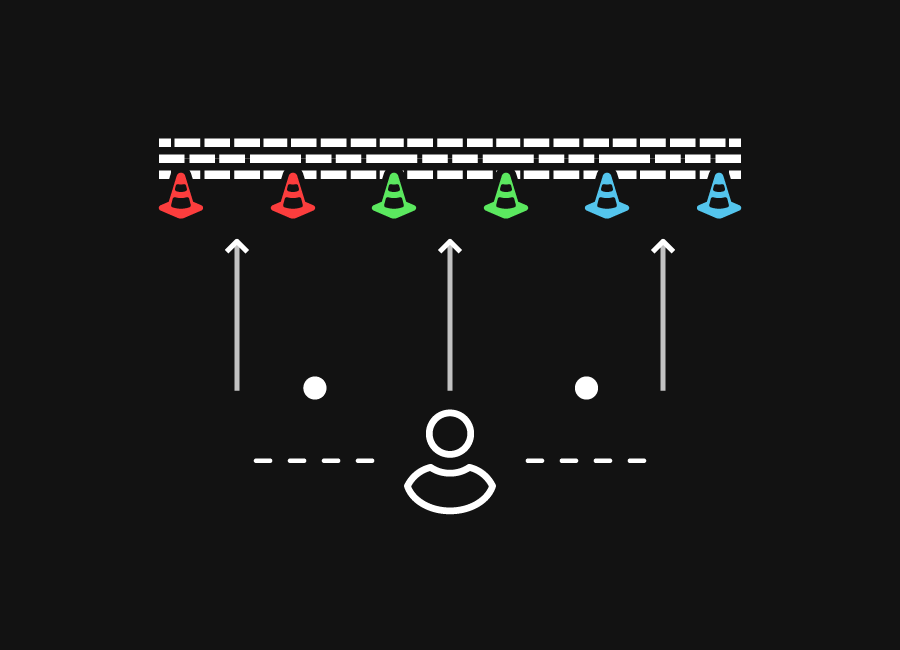
Every team needs the challenge's full set of Beams. If the challenge takes two Beams, two teams play on four Beams, three teams on six. At most eight Beams in total.
- In the app
Step 3: Check in per team and start
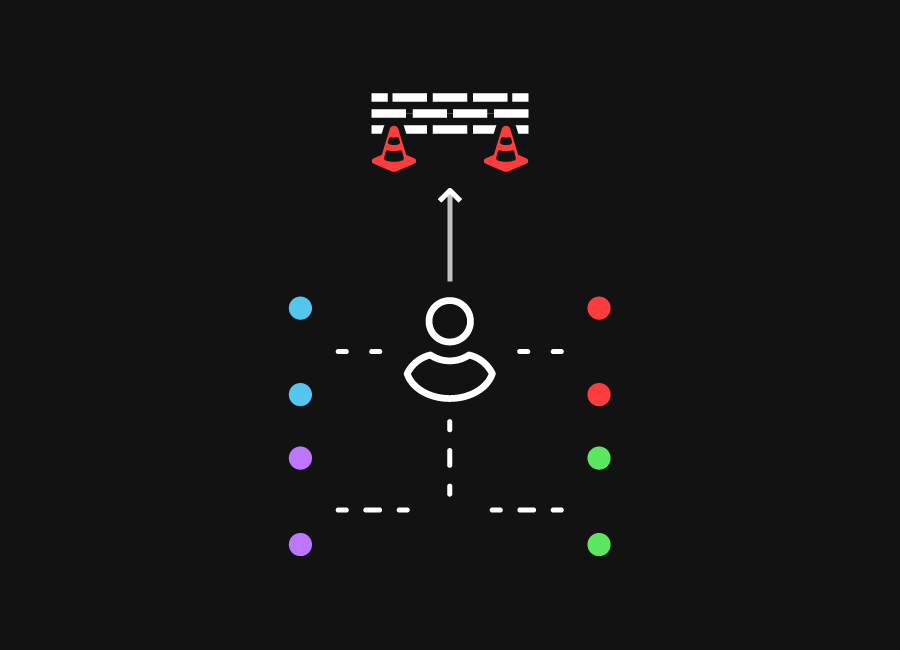
Every player checks in with their SkillTag for their team. The app counts down from five to GO and all teams run at once. Afterwards Winner! appears and the teams are ranked by time.



Also useful
- Playing with several playersAgainst each other with a battle, or all at once with one colour per player.
- Game modes explainedRegular for yourself, Event for the club, Battle against each other, your own game for everything in between.
- Exercises for homeWithout Beams: the mobile challenges. With Beams: free play on a subscription, or your event's custom games.
- Training without a SkillTagYes, with the games you create yourself and the mobile challenges, but scores are not saved.


 1-3