The Beams
Adjusting the Beam's sensitivity
Five settings, from low to high, saved on the Beam itself.
- In the app
Step 1: Open the Beam under Devices
Go to Devices and tap the connected Beam you want to adjust.
- In the app
Step 2: Set the Beam hit sensitivity slider
The slider has five stops from Low to High; the middle is the default. Low for hard balls or a sturdy bar, High for a soft ball or a young player.
- At the Beam
Step 3: The Beam remembers it
The setting lives on the Beam, not on your phone. It survives switching off and is the same on any phone. Is the slider greyed out, with the note Update the Beam's firmware? Let the app update the Beam first.
Also useful
- Pairing the BeamsConnect each Beam over Bluetooth; the app gives it a colour and a name.
- Making the lights brighterOne button at the bottom of the game screen switches between indoor and outdoor.
- Telling when the battery is emptyThe small light on the Beam and the percentage in the app tell the same story.
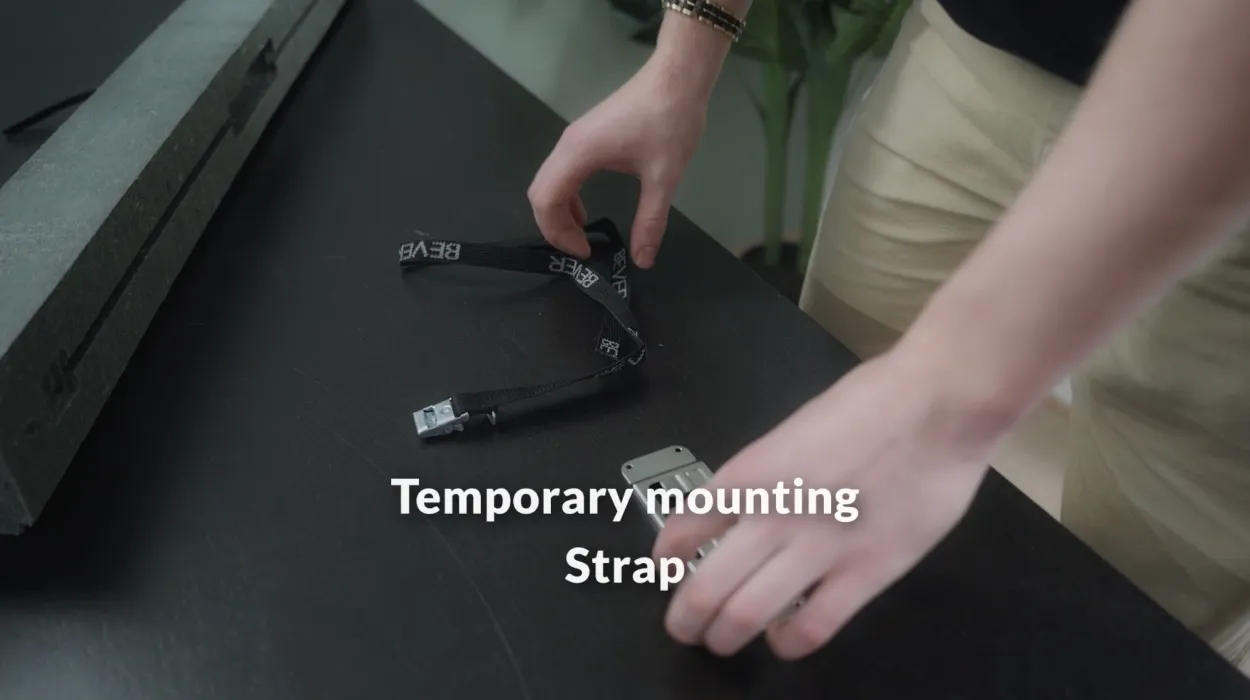
- Mounting the BeamClick the Beam onto the mount plate and attach the plate with the strap, the sticker or screws.

 1-3