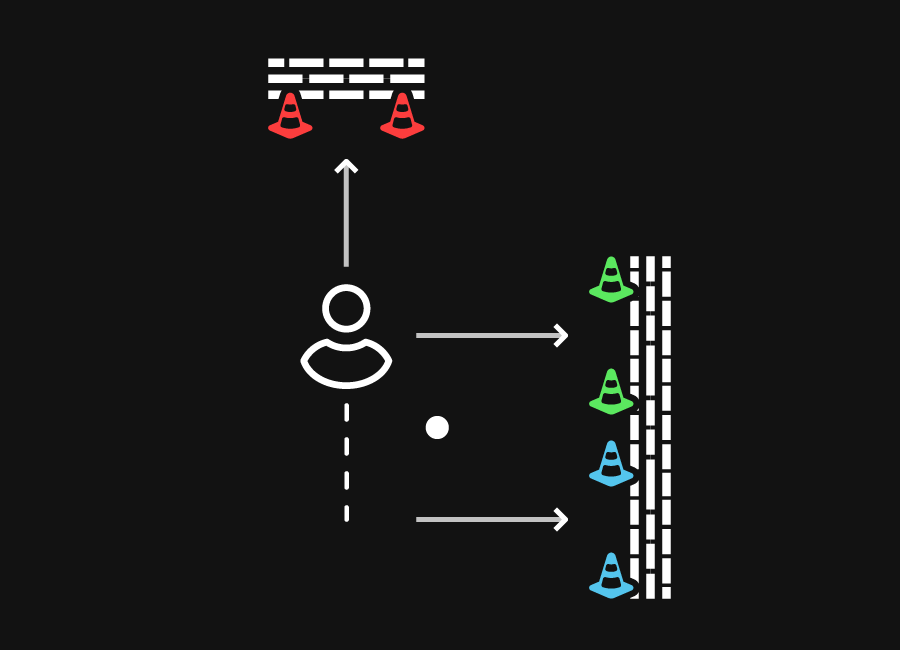
The Beams
Mounting the Beam
Click the Beam onto the mount plate and attach the plate with the strap, the sticker or screws.
- At the Beam
Step 1: Attach the mount plate
The plate can be attached in three ways: with the strap around a bar, with the sticker on a flat surface, or with screws for a permanent fit. X-Skills rebounders already have the plate.
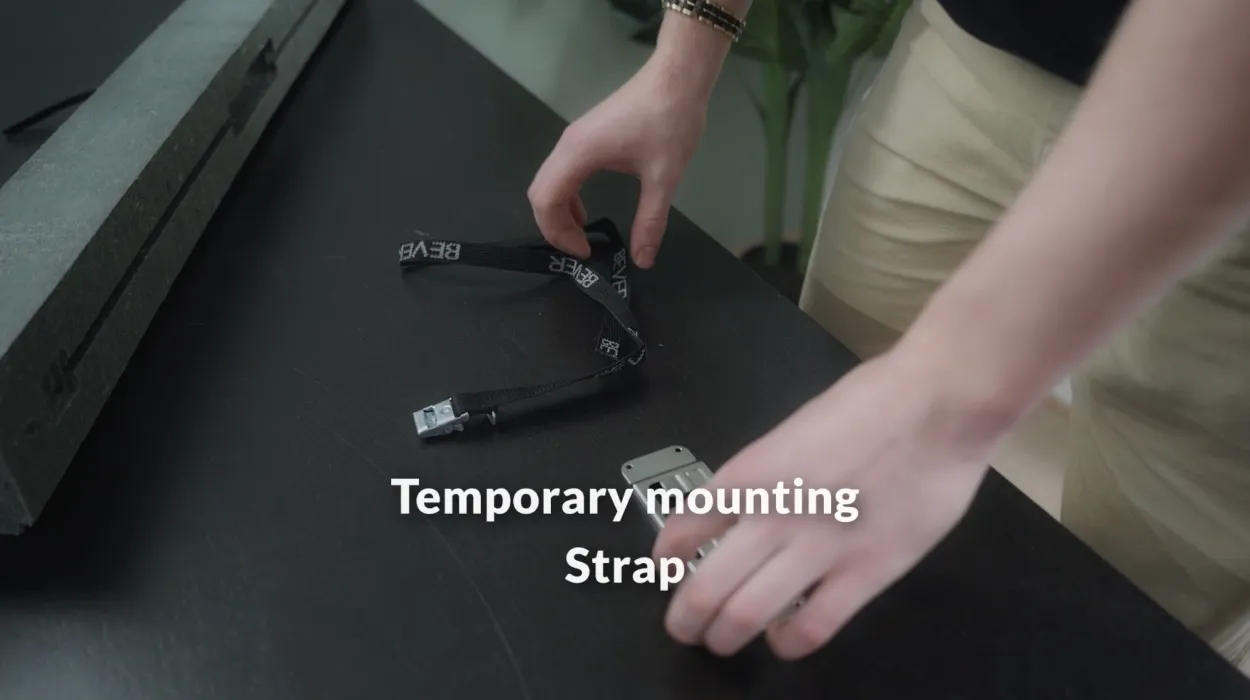
Strap: temporary, no tools 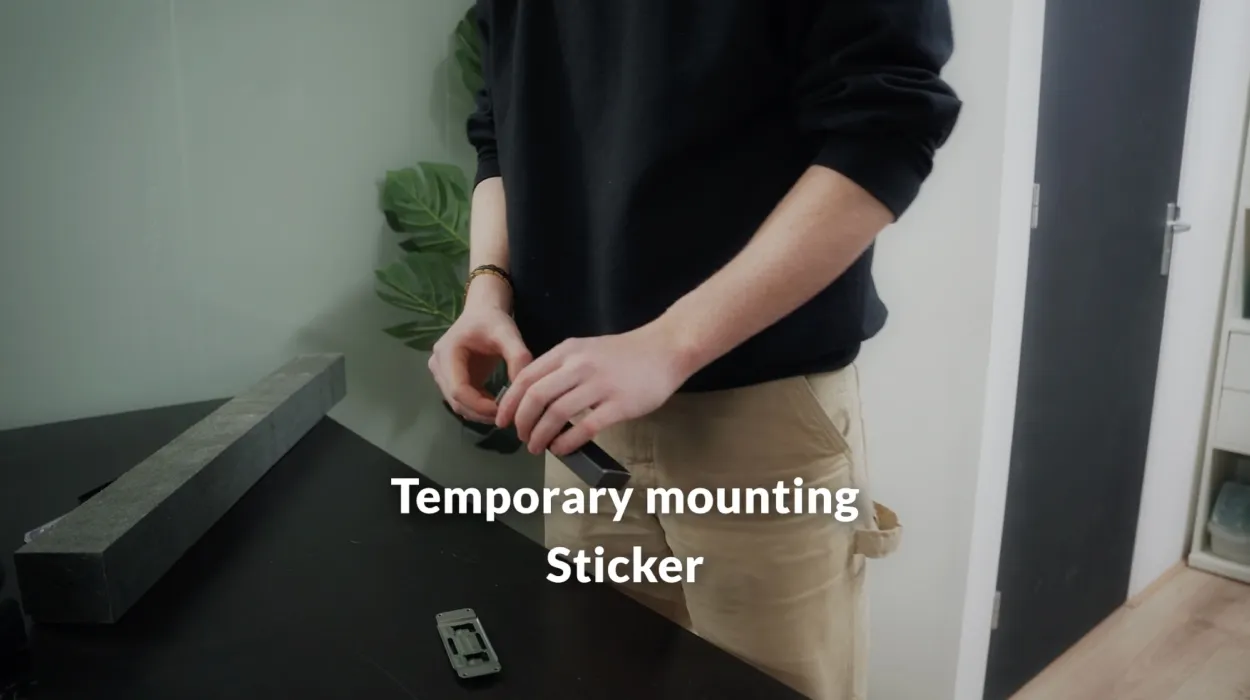
Sticker: temporary, on a flat surface 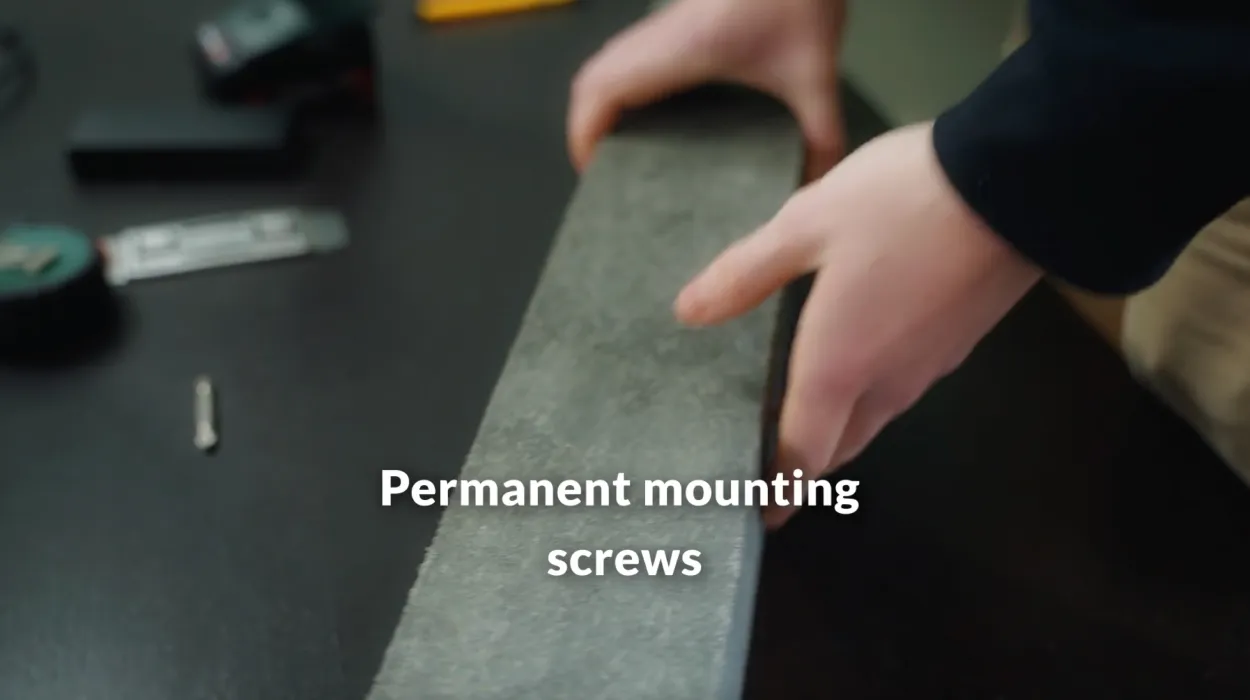
Screws: permanent - At the Beam
Step 2: Click the Beam into place
Slide the Beam onto the plate until it clicks. Taking it off works the same way, no tools needed.
Video: Mounting the Beam
- At the Beam
Step 3: Always behind the rebounder
Never put the Beam in front of, next to or above the board, always behind it. The Beam senses the hit through the board and is not built to be hit itself.
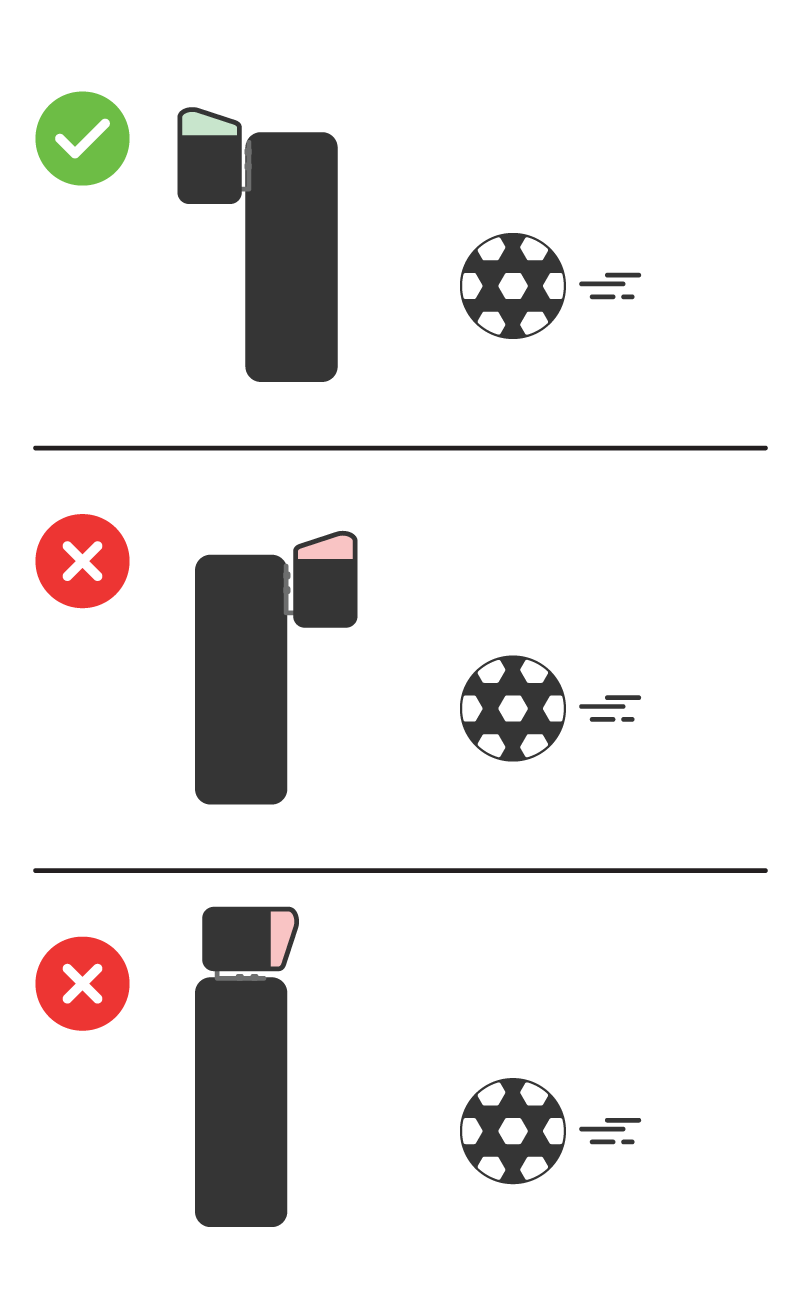
Behind the board, never in front
Also useful
- Installing the BeamsCharge, switch on and understand what the lights mean.
- Making the lights brighterOne button at the bottom of the game screen switches between indoor and outdoor.
- Telling when the battery is emptyThe small light on the Beam and the percentage in the app tell the same story.
- Adjusting the Beam's sensitivityFive settings, from low to high, saved on the Beam itself.