On the websiteFastest
On a screen in the clubhouse
Open leaderboard.x-skills.com, type the share code and leave it up; no sign-in needed.
Open the leaderboardOn a screen in the clubhouse, on a phone or in the dashboard; it updates live.
Two ways
On the websiteFastest
Open leaderboard.x-skills.com, type the share code and leave it up; no sign-in needed.
Open the leaderboardIn the app
Every player sees the latest event's ranking on their own dashboard in the app.
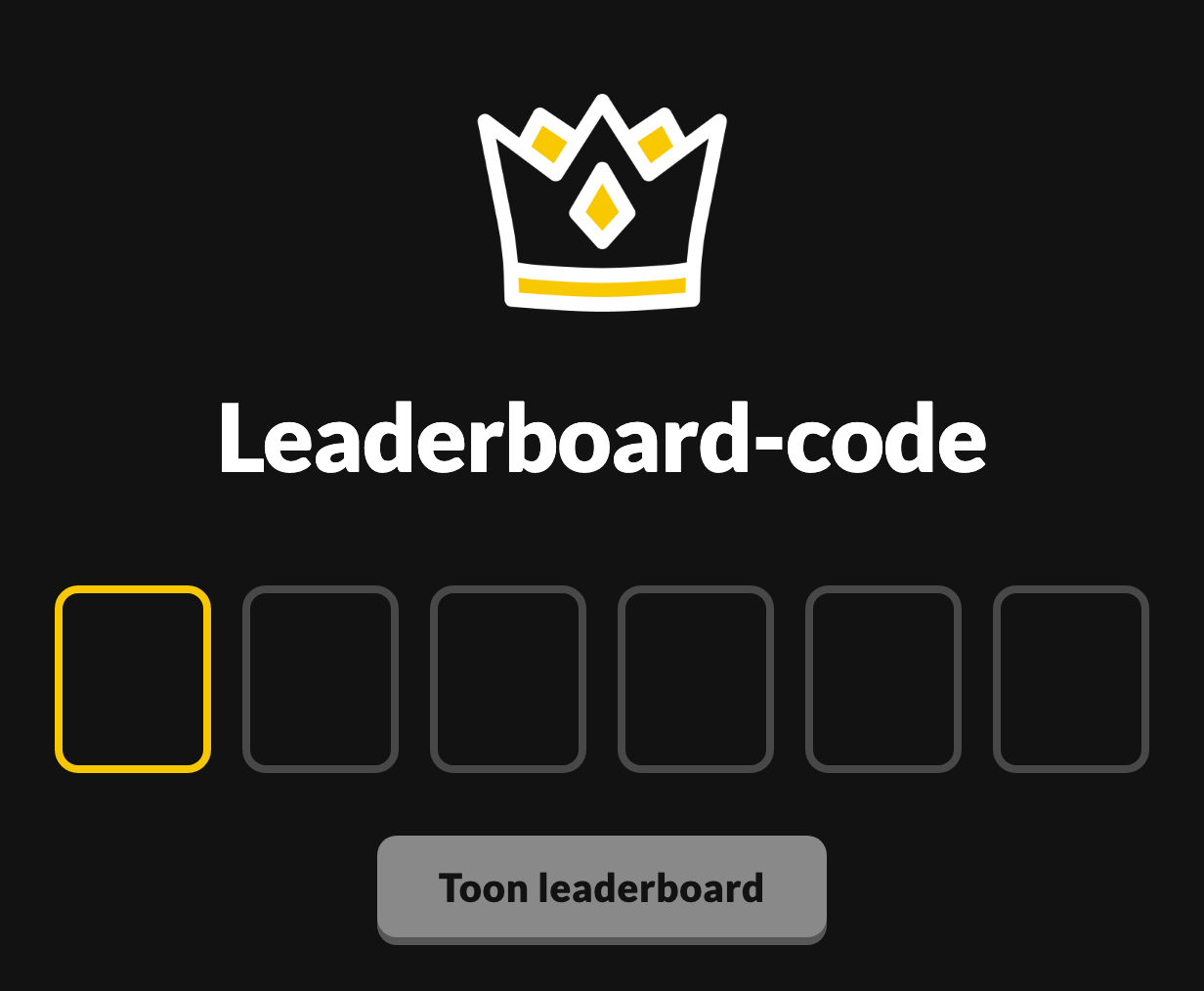
Go to step 2Open leaderboard.x-skills.com in a browser and type the share code into the six boxes. No sign-in needed; the ranking refreshes itself while people play.
On a player's dashboard, under History, the Leaderboard card shows the latest event; tap the arrow. Under View all you'll find earlier events.
Open the event in the dashboard; the Leaderboard tab shows the same ranking per challenge, with each athlete's best time.